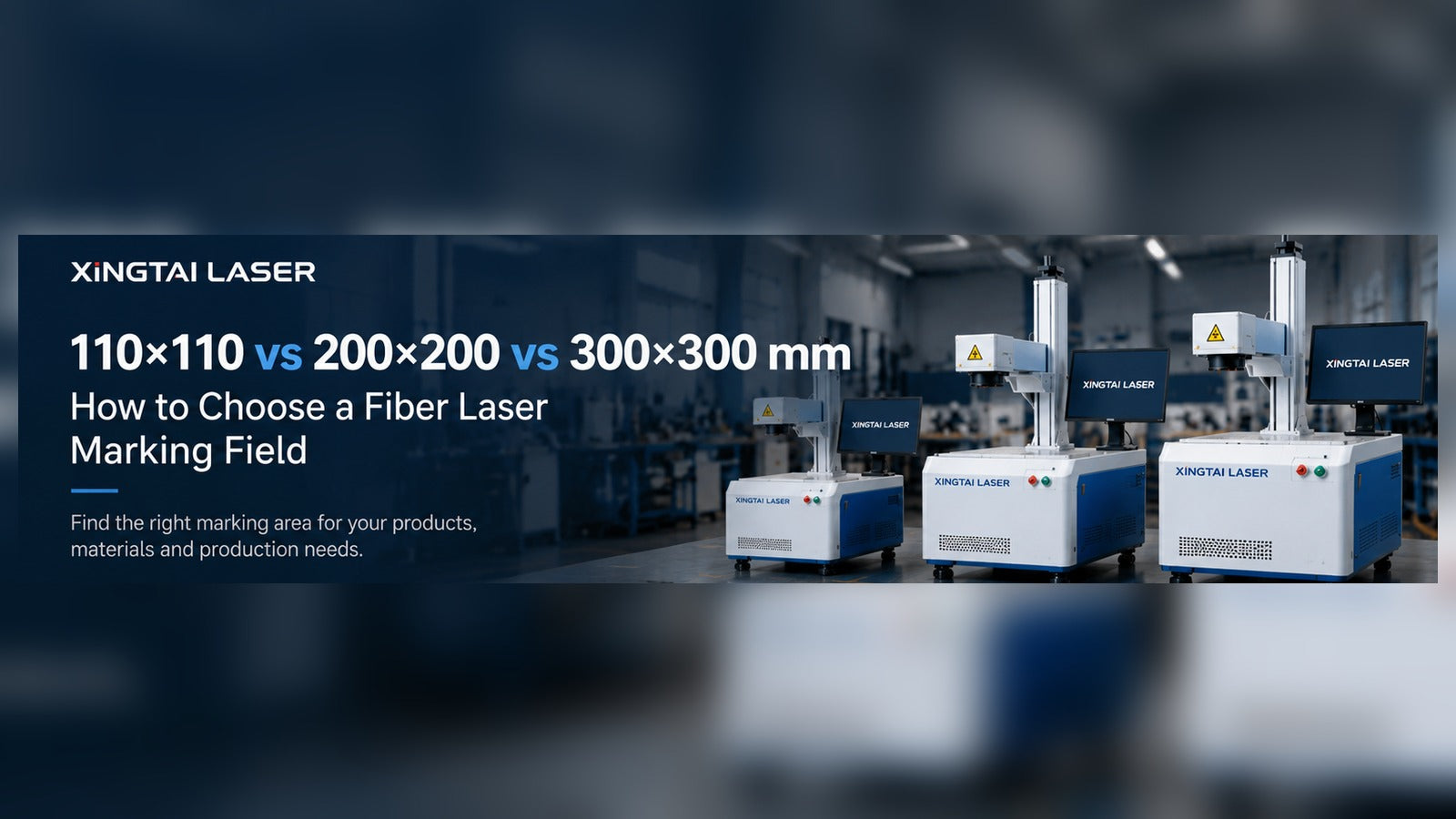
110×110 vs 200×200 vs 300×300 mm: How to Choose a Fiber Laser Marking Field
When buyers compare fiber laser marking machines, laser power usually gets the first question: 20W, 30W, 50W or higher? Yet another choice can have just as much influence on the result: the marking field.
A 110 × 110 mm lens, a 200 × 200 mm lens and a 300 × 300 mm lens do not simply give you three versions of the same machine. Changing the optical field can affect spot size, energy concentration, working distance, usable detail and how many parts fit in one cycle. A larger field is useful in the right job, but it is not automatically an upgrade.
This guide explains how to choose the field from your actual workpieces and production requirements, rather than selecting the biggest number on a quotation.
What Does “Marking Field” Actually Mean?
The marking field is the area a galvanometer-based laser system can scan in a given optical configuration. For example, a 110 × 110 mm field describes the nominal square scan area; it does not mean the entire workpiece must fit inside that square. A large metal panel may need only a small serial number, logo or QR code in one corner.
In a typical flat-field marking system, an F-theta scan lens helps focus the beam across the working plane. Optical manufacturers such as SCANLAB explain that lens selection depends on wavelength, power, focus diameter, image-field size and working distance. These factors must be evaluated together, not separately.
110 × 110 mm: Start With Detail, Not Maximum Coverage
A 110 × 110 mm field is often a sensible starting point for small identification marks, detailed logos, fine characters, jewelry components, metal tags and compact hardware parts. A smaller optical field can make it easier to concentrate laser energy into a fine spot, subject to the actual beam and lens design.
That matters when you want crisp micro-text, readable small codes, controlled surface marking or deeper engraving in a limited area. The smallest field is not always necessary, but it is worth testing first when fine detail matters more than covering a wide surface.
For tiny serial numbers and intricate logos, the smallest useful field is often the most sensible starting point.

200 × 200 mm: A Useful Middle Ground for Parts and Fixtures
A medium field is attractive when the marking content is wider or when several small parts can be placed in a repeatable fixture. Consider a workshop marking stainless-steel nameplates: instead of loading one piece at a time, the operator may arrange several parts in a grid and mark them in one program.
The productivity gain does not come from field size alone. The fixture must position parts consistently, and the machine must maintain acceptable contrast and readability across the occupied area. Loading time, scan time, inspection and rework all count toward the real cycle time.
Do not assume that a larger field automatically means faster production. If the artwork is tiny and loading is already efficient, a smaller field may still be the better choice.
A well-designed fixture can turn a medium field into an efficient batch-marking station.

300 × 300 mm: More Coverage, More Reasons to Test
A 300 × 300 mm field can be useful for larger nameplates, broad layouts and multi-part fixtures that genuinely require the additional coverage. But it also brings optical trade-offs. Depending on the laser beam and lens design, a longer focal length may produce a larger focused spot, changing energy density and the minimum practical feature size.
Working distance and mechanical clearance can change too. If a tall part, rotary fixture or protective enclosure is involved, the available space under the marking head matters as much as the nominal scan area.
When evaluating a wide field, ask for test marks in the center and near the edges. Compare small text, filled areas, code readability, contrast and engraving depth. A sample made only in the center cannot demonstrate uniform performance over the entire requested area.
Before choosing a 300 × 300 mm field, test both the center and corners of the actual artwork.

How Does Field Size Relate to Laser Power?
Power and field size must be selected together, but there is no universal rule that a certain wattage guarantees a certain result at a certain field size. Material, finish, beam quality, pulse characteristics, marking speed, hatch spacing and desired depth all matter.
For XINGTAI LASER fiber marking inquiries, the following are practical configuration starting points, not guaranteed performance specifications:
| Fiber laser power | Field-size planning starting point | Important note |
|---|---|---|
| 20W | 110 × 110 mm recommended; configurations up to 175 × 175 mm may be evaluated | Prioritize sample quality and detail |
| 30W | Fields up to 200 × 200 mm may be evaluated | Check material and mark requirements |
| 50W / 60W / 100W | Fields up to 300 × 300 mm may be evaluated | Test spot quality, contrast and cycle time |
| 200W / 300W | Large-field configurations, including 400 × 400 or 500 × 500 mm, may be considered | Require optical compatibility and application testing |
These ranges describe possible equipment configurations. They are not a promise that any material, engraving depth or line width can be achieved across the full field.
Five Questions to Answer Before Choosing a Lens
1. How large is the actual marking artwork?
Measure the logo, text, serial number or code itself—not only the outside dimensions of the product. A 400 mm panel with a 30 mm logo may not need a 400 mm marking field.
2. What is the smallest feature that must remain readable?
For small QR codes, Data Matrix codes and fine text, define the required size and verification method. Ask for real sample photos and, when relevant, code-quality inspection results.
3. What material and finish will be marked?
Stainless steel, bare aluminum, anodized aluminum, coated parts and hard plastics can respond differently. Some anodized-aluminum and stainless-steel color applications may call for a suitable JPT MOPA configuration; the actual effect must be confirmed on the customer's sample. If the job includes both metal and non-metal materials, UV marking may also deserve evaluation.
4. Is the job one part at a time or a batch?
For batch marking, send a drawing of the fixture and the part spacing. The occupied fixture area, not just the individual part size, determines the useful field.
5. Will the machine use a rotary axis or unusually tall workpieces?
Confirm working distance, focusing range, rotary clearance and safe access. Lens selection should account for the complete setup, including workholding.
How to Request a Useful Sample Test
Send your equipment supplier the material and surface finish, actual part dimensions, artwork file, minimum text or code size, target marking depth or contrast, required quantity per hour and whether a rotary axis or fixture will be used.
For wide-field work, request test results from different positions within the field. Ask the supplier to explain the tested laser source, lens, parameters and working distance. A convincing sample should be reproducible on your real parts—not just visually attractive in a photograph.
XINGTAI LASER's Recommendation
Choose the smallest marking field that comfortably covers the real job, then expand only when the application or fixture justifies it. That approach helps preserve attention to detail while avoiding unnecessary compromises in spot quality, energy concentration and working setup.
At XINGTAI LASER, field size is part of the complete machine-selection discussion alongside laser source, material, power, optics, fixtures and production goals. Share your workpiece and artwork before selecting a configuration; a sample test is more useful than choosing a lens from a size chart alone.
The right marking field is the one that produces the required result consistently—not the largest square in the brochure.
Technical references: SCANLAB — Scan Lenses (lens selection and optical-field considerations); LENSTEK — F-Theta Scan Lens Specifications (examples of field size, working distance and focused-spot differences). This article is an application guide, not a report of a newly announced product or an independently tested XINGTAI model. Illustrations are conceptual and are not sample-test evidence.
-
Publicado en
110x110, 200x200, 300x300, F-Theta Lens, Fiber Laser Marking, Laser Marking Guide, Marking Field